 4.8
4.8Two-way texting
that reads like a human.
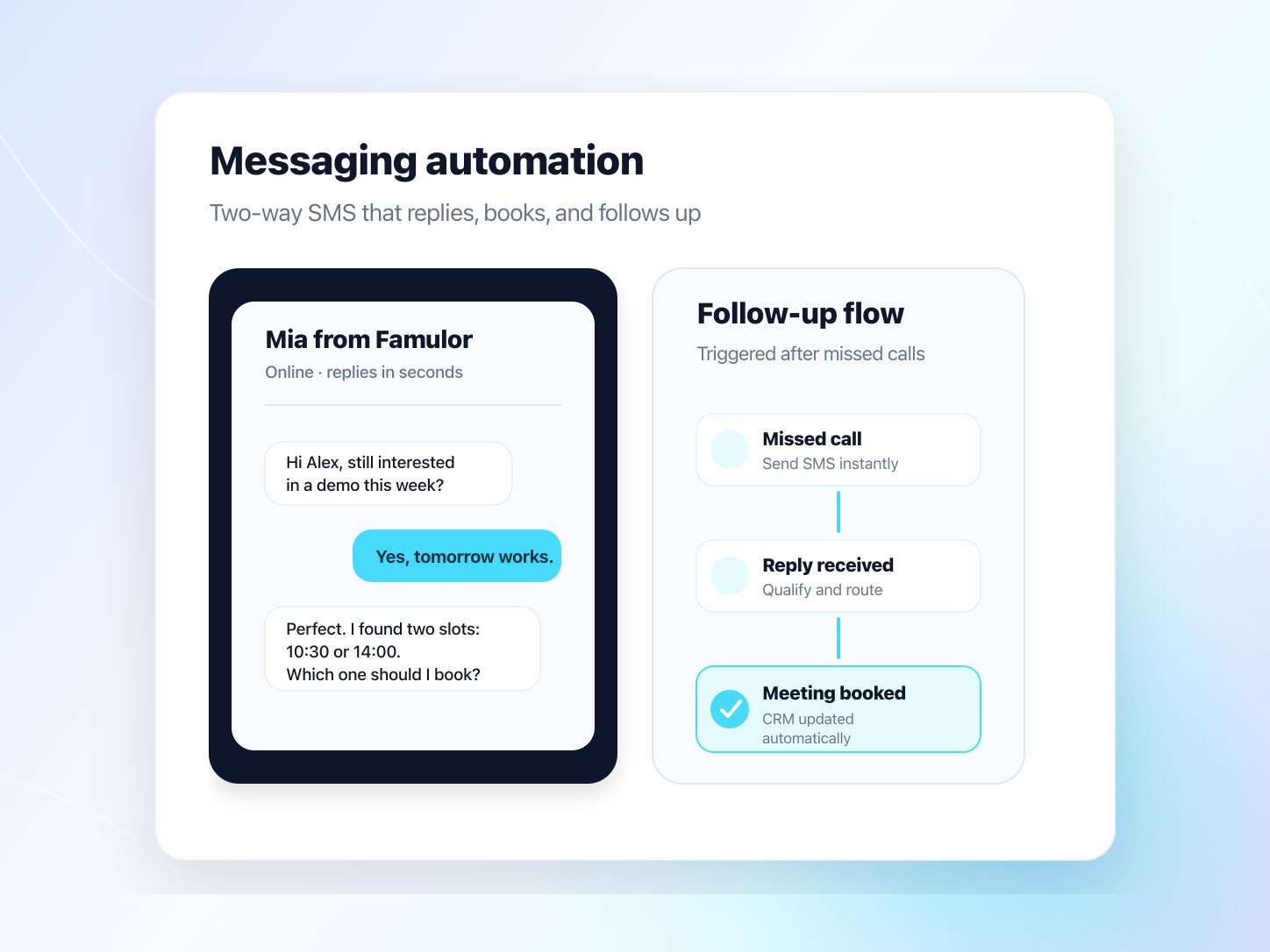
The agent answers incoming texts, books appointments and sends reminders. Your team sees every thread and can reply itself at any time.
- GDPR compliant
- EU hosted
- Live in 1 week
Powered by
















- Anthropic
- OpenAI
- ElevenLabs
- Deepgram
- Cartesia
- Twilio
- Gladia
- Soniox
- xAI Grok
- AWS
- Microsoft Azure
- Cloudflare
- Google Gemini
What the agent does here
The parts of this feature teams use first on a live call.
Reply in seconds
Inbound messages get a reply in seconds: any hour, any volume.
Your team takes over
Reply right in History. AI pauses for that conversation until you resume it.
One number, two assistants
Voice and SMS share the same number, with a different assistant for each if you want.
Numbers that matter
AI replies
24/7
channels, one agent
22
languages
120
number for voice + SMS
1
Customer story
“98 % open rate, 40 % reply rate – zero voicemails. Famulor Messaging completely transformed our outreach performance.”
What ships with this feature
Each part of this feature, ready to run together from day one.
Reply in seconds
Inbound messages get a reply in seconds: any hour, any volume.
Your team takes over
Reply right in History. AI pauses for that conversation until you resume it.
One number, two assistants
Voice and SMS share the same number, with a different assistant for each if you want.
Replies that fit one SMS
Every reply fits one SMS: up to 160 GSM-7 or 70 Unicode units, counted as you type.
Voice-to-SMS follow-up
When a campaign call goes unanswered after its retries, the agent follows up by SMS.
Book from the thread
Prospects book a slot in the conversation, no app switch.
On-brand tone & style
Message style matches your brand voice: formal, casual or direct. You set it.
Guided US SMS registration
Register US numbers step by step. Milian checks for common rejection reasons before you pay.
Opt-out handled automatically
Incoming STOP messages stop further texts to that number. No manual list work.
Live in a few steps
No lengthy setup: most teams are live the same week.
- 01
Connect an SMS number
Buy or import an SMS-capable number and connect it in Settings → Channels → SMS.
- 02
Register once
For US numbers, add your business, use case and two sample messages. Milian checks for common rejection reasons, and you see the fees before you pay.
- 03
Follow the review live
US carriers review your business and use case. You see the status live, and one approval covers all your US numbers.
- 04
Send compliant texts
Pick the assistant and turn on AI replies. Every thread shows up in History → SMS with delivery status, and STOP opt-outs apply automatically.
Live Demo
Sounds unreal? Try it now with a free test call
Curious how our AI agents work?
Get a hands-on experience by trying a free demo call. Fill in your details, and our AI representative will call you instantly.
Agent is trained to discuss Famulor services and book appointments.

Demo AI agent
Famulor representative
More from the platform
Other building blocks teams usually pair with this one.
Questions before you go live
Yes, if you have valid recipient consent. Famulor provides the stack; you own consent. Incoming STOP messages stop further texts to that number automatically.
No message left unanswered.
Start free: the agent replies, books and follows up.
No credit card required · GDPR compliant · first agent live in under a week